
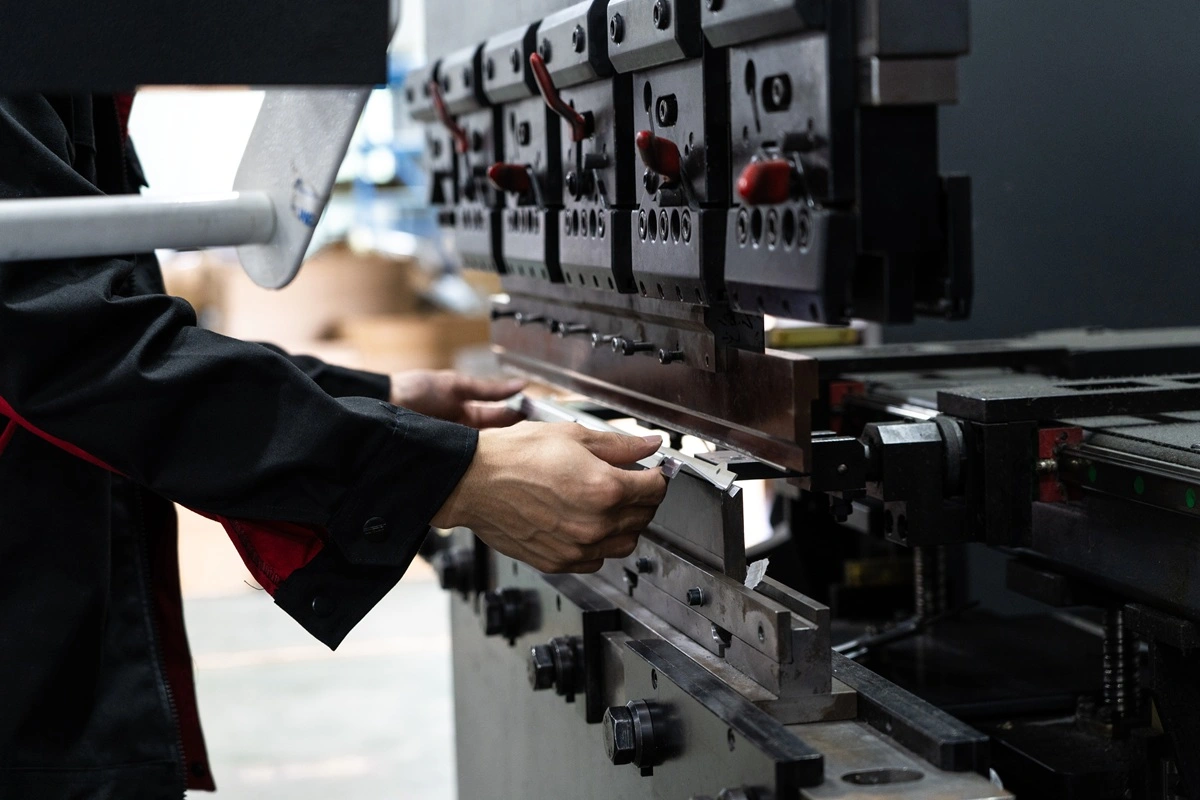

Add a bend relief wherever a flange ends next to material that has to stay flat or move separately. A bend relief is a slot cut at the end of a bend so the flange can form without tearing or distorting the adjacent sheet. Size the slot from the bend zone, the curved region the bend actually occupies, then check what the cut leaves around mounting faces, holes, and enclosure seams. Width, depth, and shape all need to match the formed geometry and the fabricator’s cutting and bending process.
Where Does Sheet Metal Need Bend Relief?
Sheet metal needs bend relief where a bend stops partway along a continuous edge. At that point the flange has to move while the material beside it stays put, and without a relief the transition can tear, bulge, or distort. Find every place where a bend ends inside the sheet before deciding where cuts belong.
Partial Flanges on Brackets
A mounting bracket with a short flange along the middle of a longer edge needs a relief at each end of that flange. The material beyond both ends stays flat while the flange forms. Treat the two ends separately: an existing notch may already give clearance on one side. A bend that runs the full width of the part ends at free edges instead, and slots added there out of habit remove material with no forming benefit. When laying out sheet metal bending design for a bracket, locate the flange ends first and choose the relief second.
Adjacent Bends in Enclosures
An enclosure corner needs corner relief, a different feature from bend relief. Two neighboring walls create intersecting bend zones and a gap between their formed edges. Corner relief handles that intersection, while bend relief handles a single bend that ends inside the sheet, and Autodesk Inventor keeps the two in separate controls. Look at both bend zones and the intended corner closure before choosing a cutout. A slot copied from a partial bracket flange was sized for a different job and may leave too little clearance between two enclosure walls.
How Do You Size a Bend Relief?
Size a bend relief from four values: sheet thickness (t), inside bend radius (R), relief width, and relief depth measured from a stated reference. A depth number only means something when the drawing or CAD feature says where that dimension starts and ends.
Width and Remaining Material
Relief width is the opening across the slot. Thickness-based values give the CAD feature a starting point that scales with the sheet: PTC Creo offers a bend relief width equal to the sheet thickness, twice the thickness, or an entered value. Those options define model geometry only. The fabricator still has to confirm a width it can cut in the selected sheet with its cutting process.
Watch the strip of material beside the relief at the same time. A wider relief eats into that strip and can reach a mounting face or nearby hole. Autodesk Inventor calls this leftover stock the remnant and deletes any remnant smaller than a set minimum from the model. After each relief change, inspect the contour for strips that have disappeared.
Depth and the Bend Zone
A relief meant to free a flange end has to run through the bend zone and past the bend line. The bend line is a single reference line, but the curved portion of the bend covers an area. A cut that stops at the line can leave material joined inside the zone that still has to deform. A rule such as “depth = R + t” is incomplete for the same reason until it names the geometry and the reference it measures from. CAD systems also define depth in different ways, and none of the values below equals the total distance from the sheet edge to the deepest point of the cut:
| CAD Feature | What the Depth Value Measures |
| Autodesk Inventor, straight relief | Extension beyond the bend’s deformation zone |
| Autodesk Inventor, round relief | Extension beyond the deformation zone to the tangent point of the semicircular end |
| SOLIDWORKS, rectangular or obround auto relief | d = relief ratio × part thickness, which sets both the slot width and how far the slot side extends past the bend region |
Dimension the relief on the drawing from a named edge or tangent point, using the actual bend-zone boundaries in the model. Confirm the extension the fabricator needs before the cut file is released.
Thickness, Material Condition, and Inside Radius
Recheck the relief whenever the thickness or inside radius changes, even if the slot width stays the same. The sheet metal bend radius sets the size of the curved region beside the relief, and the material grade and condition limit the radius the fabricator can form. In air bending, the formed radius can also differ from the CAD value: WILA ties it to the sheet material, the bend angle, and the die V-opening. Cracking along a tight bend calls for a material and radius review. A larger end relief does not address excessive strain along the whole bend.
Which Bend Relief Shape Fits the Part?
Choose the relief shape by the space available at the slot end and the material that has to remain around it. Rectangular and round-ended reliefs leave different contours even at the same nominal width.
- Rectangular relief: Straight sides and a flat end make the cut boundary easy to locate against a neighboring edge. Check where the end corners fall and whether the cut leaves a narrow strip beside a functional feature.
- Round-ended relief: A semicircular end replaces the square inner corners of a rectangular slot. Include the rounded end when measuring the cut’s full reach. If the depth dimension ends at the semicircle’s tangent point, the deepest point sits another half-width beyond it.
- Circular corner relief: A circular opening can relieve the intersection of two bend zones at an enclosure corner, which makes it a separate choice from an open slot at a single flange end. Fit its center and diameter to that intersection and the formed corner gap, keeping in mind that a larger circle leaves a larger hole in the finished corner.
Check Relief Placement in the Flat and Formed Part
Review every relief in both the flat pattern and the formed model, built from the same thickness, bend radius, and revision. The flat pattern shows the cut boundary, and the formed model shows how that cut sits against mounting surfaces and neighboring flanges.
Mounting Faces and Nearby Features
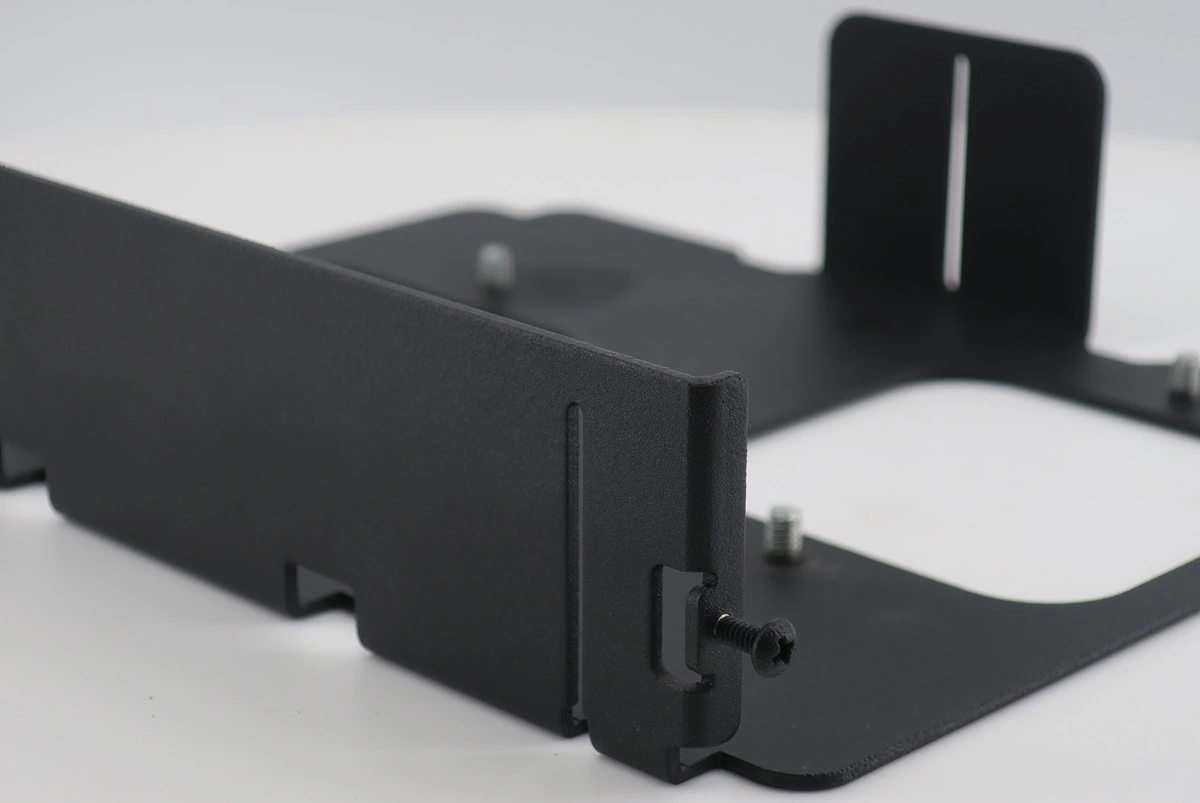
Locate the relief against the surfaces and holes that make the bracket work. A slot can clear the bend and still cut into the face that seats against a frame. Measure the contact area that remains and the strip between the relief and each mounting hole. If the cut reaches a controlled feature, consider moving the flange end, shifting the relief, or changing the part layout before accepting the revision, and keep the formed hole location in view during that discussion. Clearance in the flat blank does not prove the final fit.
| Part Situation | Design Focus | Conditions to Confirm With the Fabricator |
| Partial flange on a bracket | Separate each flange end from adjacent flat material | Relief extent through the bend zone and a workable cut width |
| Relief beside a mounting hole | Preserve the hole boundary and required seating area | Cut-to-hole spacing and deformation near the bend |
| Two neighboring enclosure walls | Clear both bend zones and the meeting flange edges | Corner relief geometry, formed gap, and bend sequence |
| Corner intended for welding | Leave an opening that suits the intended joint | Corner gap and access for the proposed welding process |
| Narrow strip beside a relief | Check the stock left after the cut | Whether to keep the strip or revise the local contour |
Flange Clearance and Corner Closure
Trace where adjacent flange edges finish after forming and how the joint will close the corner. Any relief that gives forming clearance also leaves an opening, and that opening has to suit the sheet metal assembly method, whether a weld or an overlapping joint. Autodesk Inventor’s Linear Weld corner relief makes the link explicit: it leaves a minimal relief for a later weld to close. Its presence in CAD does not establish an acceptable gap for a particular welding process.
When the radius or flange position changes, regenerate the flat pattern and look at the corner again. K-factor only enters the developed-length calculation and creates no physical clearance between neighboring walls. Keep the approved formed dimensions as the reference for any flat-pattern adjustment.
Review Bend Reliefs With Rollyu Precision
Bring relief geometry into the DFM review while flange ends and corner openings can still change. Ask the fabricator to check the proposed cuts and forming route against the part interfaces the drawing controls.
Geometry and Process Review
Rollyu Precision provides engineering and design for manufacturability (DFM) review for custom manufacturing projects, and its sheet metal workflow covers laser cutting, bending and forming, welding, and deburring. For a bracket or enclosure, use that review to confirm each proposed relief against the material, cutting process, and forming setup. Flag the features that limit how far a relief can change:
- Mounting faces and holes whose positions control assembly fit
- Flange ends, nearby features, and narrow strips beside a relief
- Corner gaps that affect a welded or overlapping joint
- Visible edges and surfaces where the opening’s appearance matters
Cutting, Bending, and the Drawing Handoff
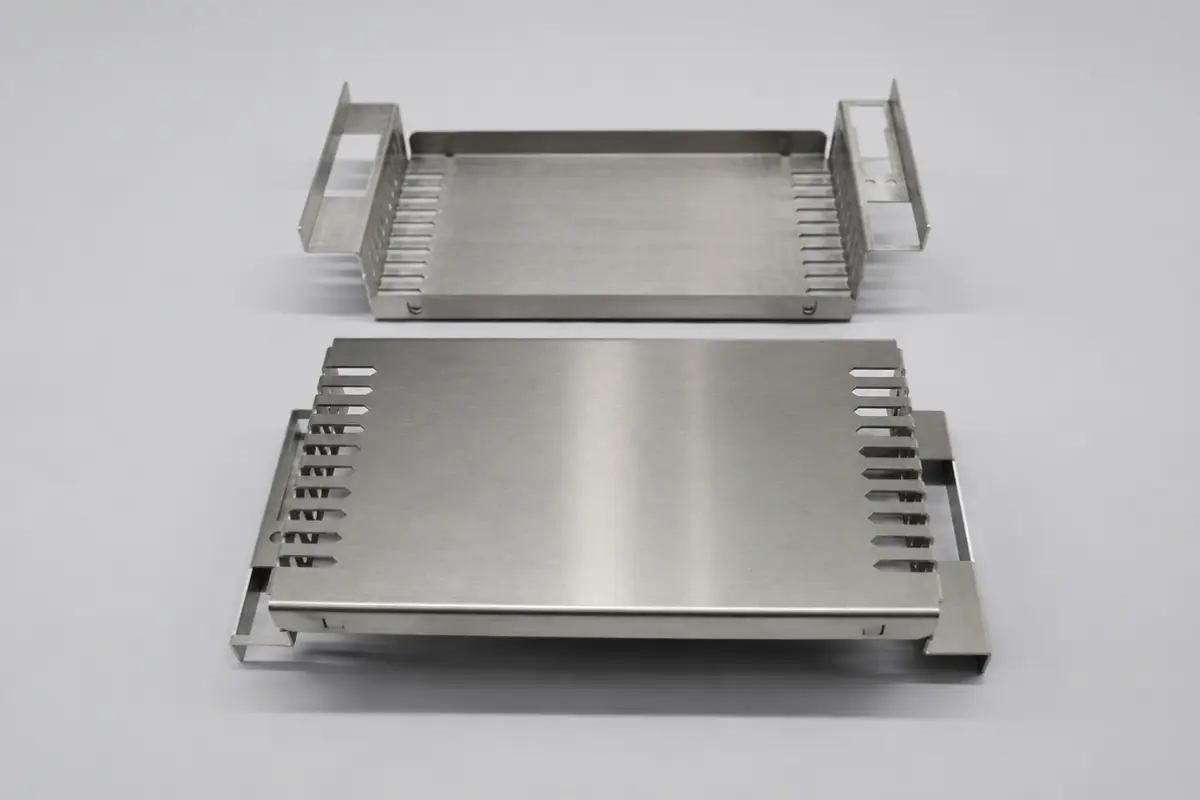
Rollyu Precision’s sheet metal fabrication capabilities include laser cutting and press-brake bending of stainless steel and aluminum for brackets, panels, and enclosures. Send the formed model, a dimensioned drawing, and the proposed flat pattern at matching revisions, stating the material grade and condition, thickness, inside radius, finish, and quantity.
Ask Rollyu to confirm the relief width, depth reference, cutting limits, and acceptable formed tolerances for that part. When a proposed change affects a mounting face or corner joint, have the design engineer review the revised geometry before release, then record the accepted relief and the interfaces it must preserve on the agreed drawing.
Frequently Asked Questions
Is a Tear Relief the Same as a Cut Slot?
No. In Autodesk Fusion, the Tear setting creates no relief notch and lets the material tear at the corner, while a rectangular or round-ended slot removes a defined area before forming. Confirm that a Tear setting represents the intended manufacturing result before using it in a production model.
Why Does a Relief Look Different After Flattening the Model?
The flat pattern may include corner treatments that an unfolded view does not show. SOLIDWORKS applies corner treatments automatically when the Flat-Pattern feature is unsuppressed but not when the Unfold tool is used, and the two views can differ as a result. Check the actual flat-pattern output and its corner settings before assuming either view contains a drafting error.